Software Mastery
At Revisit Institute, we go beyond theory. Our training programs are a symphony of technical skill and practical application.
Whether you’re looking to master BIM (Revit) or CAD (AutoCAD) for iconic projects or residential design, we equip you with unparalleled expertise. Discover how we elevate professional possibilities.
1
%
Graduates Found Employment
1
+
Certified Courses From Basic To Advanced
1
+
Students Trained Worldwide
Expert Courses.
01.
Creative & Design Software Training
Focused on developing skills in visual communication, graphic design, and 3D visualization using industry-standard tools for both 2D and 3D creative work (Adobe Suite, 3ds Max, Blender, Lumion).

02.
Architectural Software Training
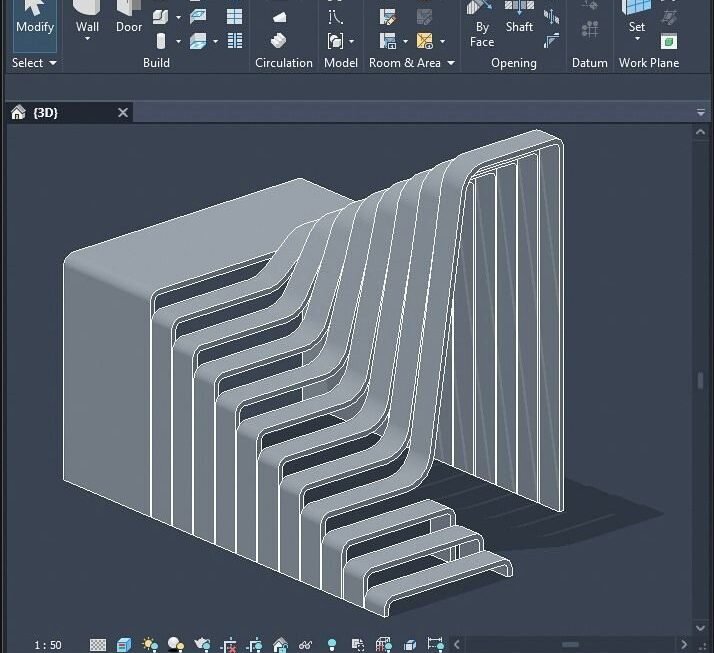
Focuses on equipping professionals with the essential software skills (AutoCAD, Revit, ArchiCAD) needed for modern architectural design, 2D drafting, 3D parametric modeling, and project coordination.

03.
Interior Design Software Training
A specialized program for interior designers, emphasizing realistic visualization through advanced techniques in modeling software (Revit, SketchUp) and high-quality rendering and post-production (D5, Adobe Photoshop).

04.
Engineering Software Training
A comprehensive set of courses for multiple engineering disciplines (Civil, Structural, Highway, Water, Electrical), concentrating on software tools for analysis, design, simulation, and effective construction project management.
05.
ICT (Information and Communication Technology)
Covers foundational and advanced computer skills essential for general professional work, including high-level productivity with the Microsoft Office Suite and an introduction to emerging technologies like Artificial Intelligence (AI).

06.
BIM (Building Information Modeling)
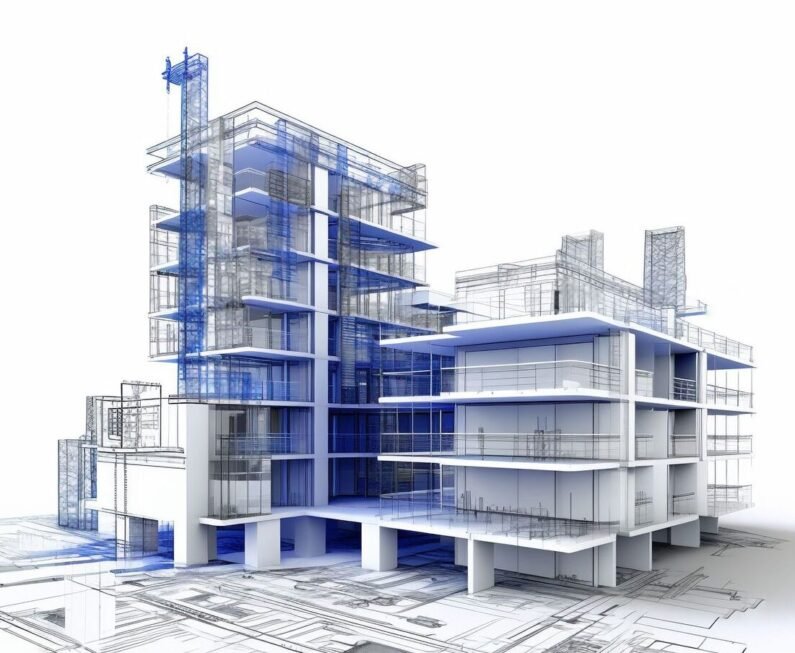
Dedicated training on the integrated BIM process, covering principles and software application across Architecture, Structure, and MEP. The goal is collaborative, model-based design, coordination, and 4D/5D project management (Revit, Navisworks, BIM 360).
Mastery.
We always work according to a proven educational standard to give prospective students the clearest view of the steps involved in achieving their professional software certification.
STEP 1
Strategic Goal Setting
We begin by assessing your current skills and career goals to define a personalized learning path tailored specifically for mastering Revit and AutoCAD.
STEP 2
Enrollment and Orientation
Following enrollment, we provide a detailed course briefing covering software installation, schedule, technical support, and introduction to your expert instructor.
STEP 3
Hands-On Skill Development
This is the core training phase, focusing on project-based learning to build complex models and drawings, culminating in a strong, job-ready portfolio.
Software. Success.
Career Ready.
1
+
Certified Graduates
Explore our course offerings to gain insights into our diverse software programs, drawing inspiration for your own professional aspirations.
Our mission is to Build Careers by fostering deep technical mastery. Explore our courses and experience the fusion of industry-led instruction and practical software application.